Your running club on one page
Members see the next run, tap “I’m in” and get a reminder. You see who’s coming.
Free. No monthly fee, no contract. See the demo club
What your club gets

All runs in one place
Every run is on the page with its time and meeting point. One permanent link to share.

Reminder before each run
Members sign up with one tap and get a reminder before the run.
Pace groups
Runners pick their pace. You see how many are coming in each group.
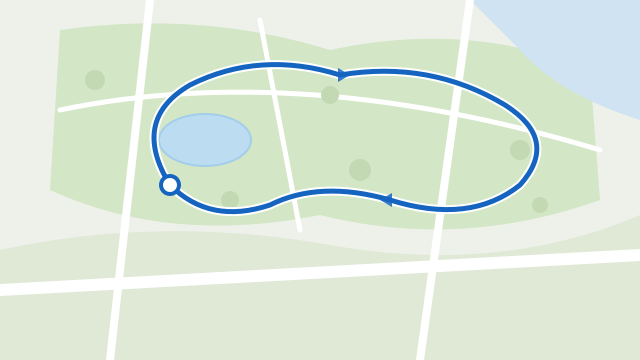
Route on a map
Upload a GPX file: the page shows the map, distance and climb.
Runs in the calendar
Members add the club’s runs to their calendar. Changes show up there by themselves.

Season leaderboard
Shows who has come most often. Only members who agreed are on it.
How to start: 3 steps
Create the page
Type your club’s name and confirm your email with a code.
Add a run
The group run template is ready. Set the time and meeting point.
Share the link
Send the club page link to your members. They tap “Join the club”.
Price
The club page, runs, members and email reminders are free. Pricing
Questions
Is it free?
Yes. The club page, group runs, members and email reminders are free. No monthly fee, no contract, and you can delete the page yourself with one tap.
Do members need an account?
No. A member types their name and email and confirms by clicking the link in the email. No account or app needed.
Does it connect to Strava?
Not at the moment. Members sign up with the “I’m in” button on the club page or in the reminder email.
How do members join?
Share the club page link, for example in your group chat or on Instagram. A member taps “Join the club” and confirms by email. You can also add members yourself.
Can I bring my current member list?
Yes. Upload a CSV or Excel file with names and emails. Each person gets one invite and only becomes a member after confirming.